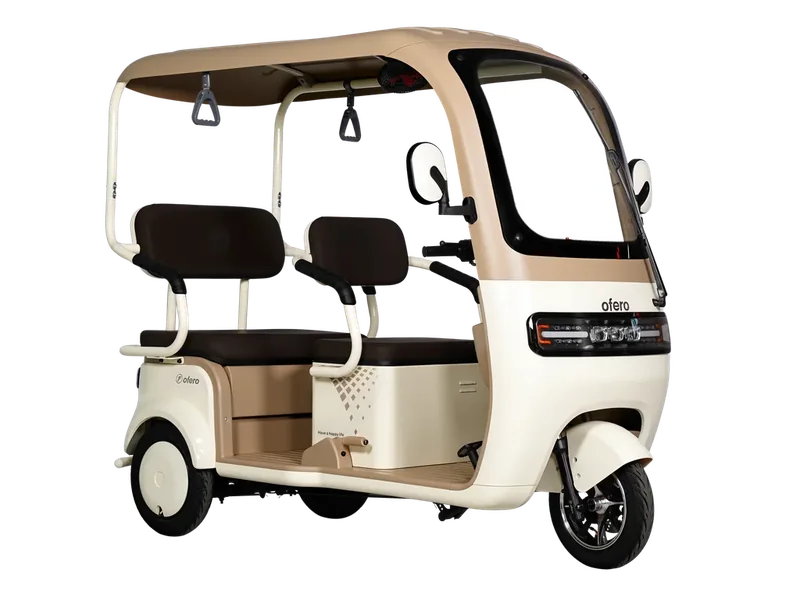
Ofero Agila
E-Trikes · 60V 800W · 50 km (Eco)
₱69,800OFERO CUSTOMER SERVICE
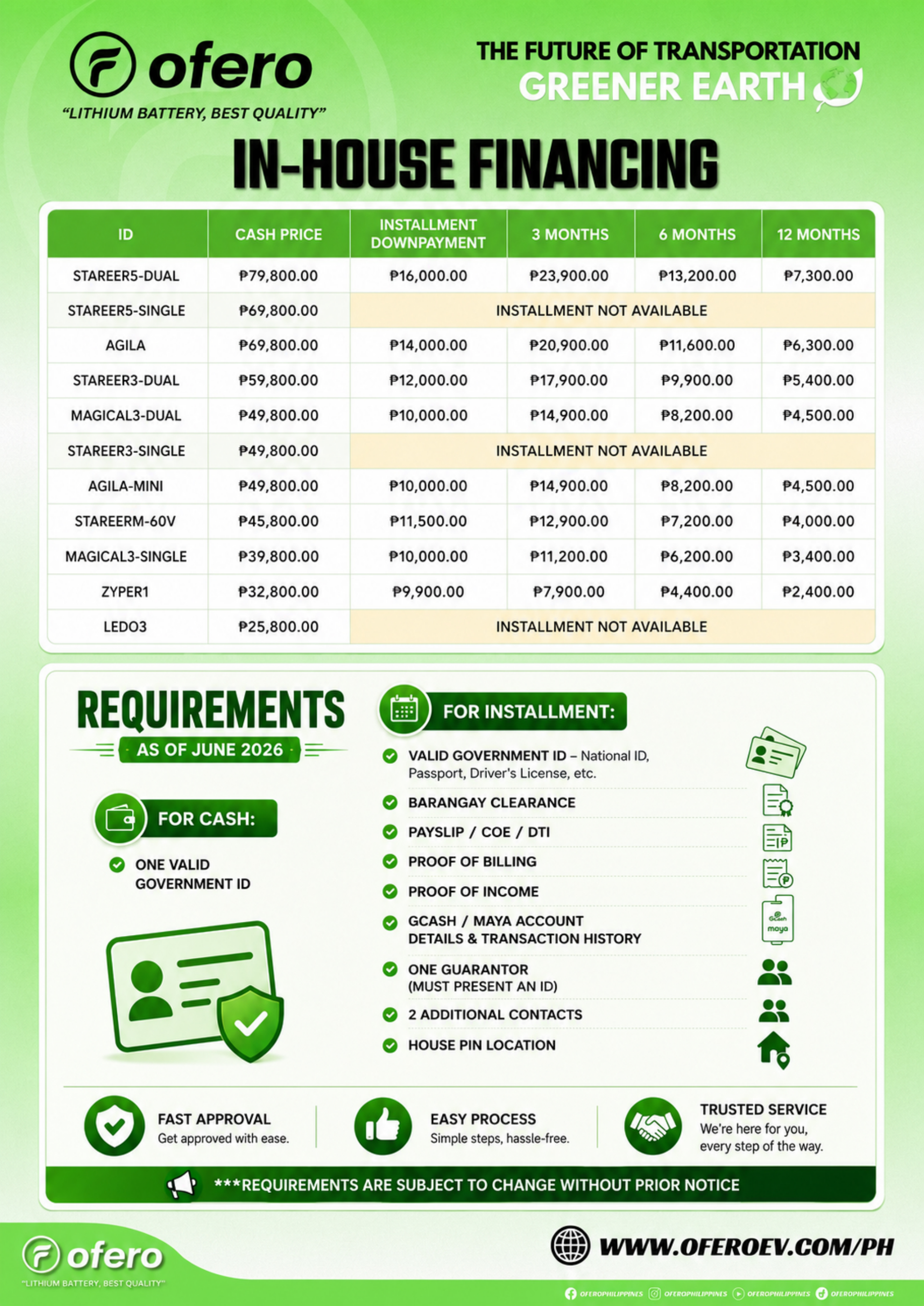
Request the current options for your chosen model and branch through OFERO customer service. Ask for a written quotation and the applicable document checklist before submitting an application.
01
Share the exact model and configuration you are considering. Ask which provider, offer and application process apply.
02
Ask for the cash price, down payment, installment amount, number of payments, fees and total payable. Check that every amount refers to the same model and offer.
03
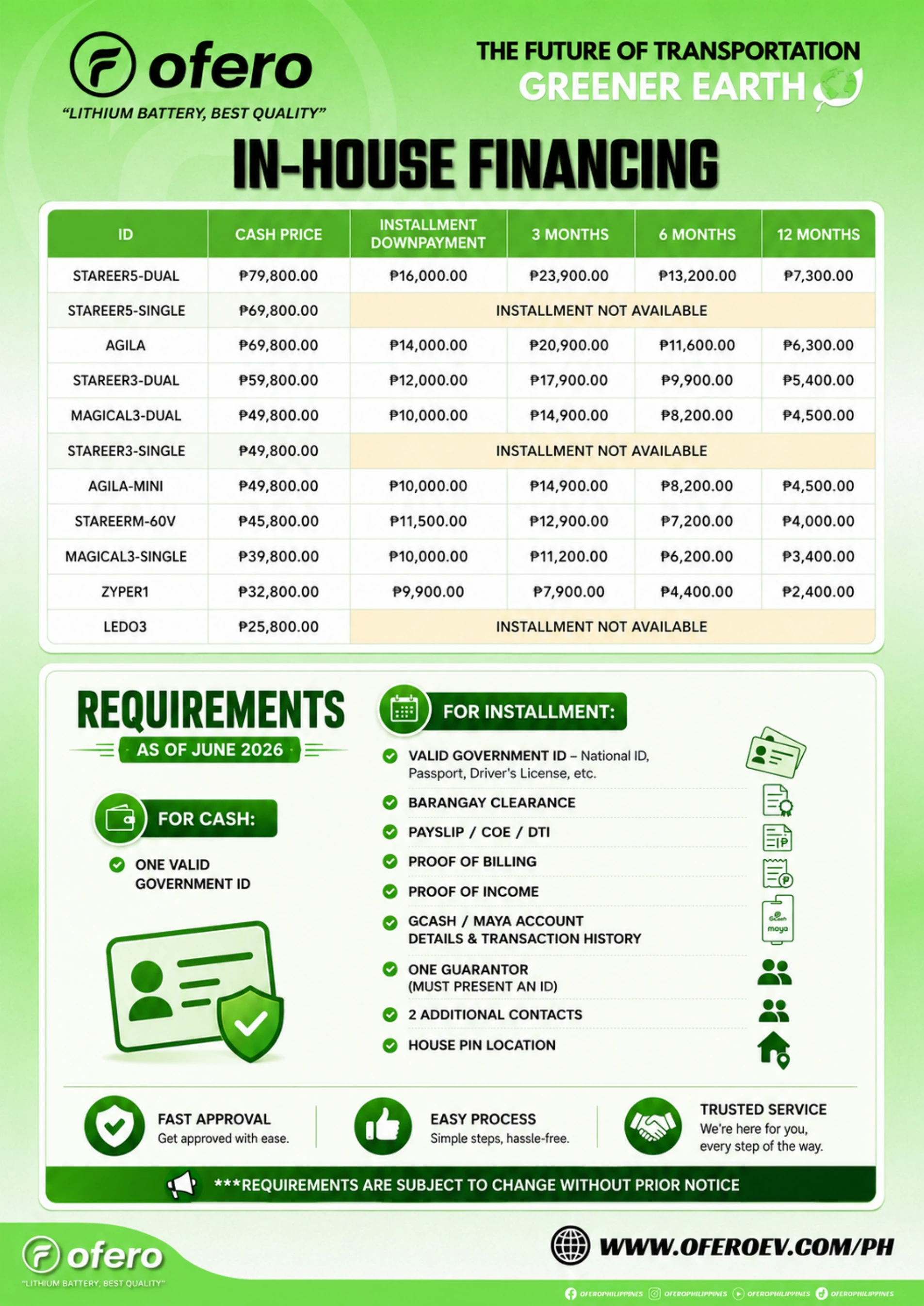
Request the current checklist and verified submission channel. Ask which documents are needed at your stage before sharing IDs or financial records privately.
OFERO buyer guide · 28 September 2026
A revised OFERO vehicle choice can change the subject of an installment enquiry. Before continuing with an earlier quotation or document request, ask which parts of the previous reply still apply. This guide does not offer credit or decide eligibility.
Record the original configuration, the newly proposed configuration and what changed in the package. Attach the correct official product reference. Ask the issuing provider or receiving team whether a fresh quotation, application discussion or checklist is needed; do not edit an old offer yourself.
Keep the initial payment, scheduled payments, stated charges and total payable associated with the same dated proposal. A monthly amount for a different unit is not a valid missing field. Leave an omitted item unknown until the issuer clarifies it.
For each requested record, note its purpose, the application stage, named recipient and verified submission channel. If a new checklist appears, ask whether it replaces or supplements the previous one. Keep the dated versions privately, and avoid sending the same sensitive documents into a new public conversation.
Distinguish a received document from an application decision and a final agreement. Ask the provider to explain the current proposal before deciding whether to proceed; neither this checklist nor an enquiry promises approval.
Read the complete document. This dated material is not a current quotation or approval.
No. The provider must confirm the application decision and any conditions.
Request the current provider checklist and verified submission channel first. Requirements can vary; ask which documents are needed for your application stage.
Save the exact model link before contacting customer service.
E-Trikes · 60V 800W · 50 km (Eco)
₱69,800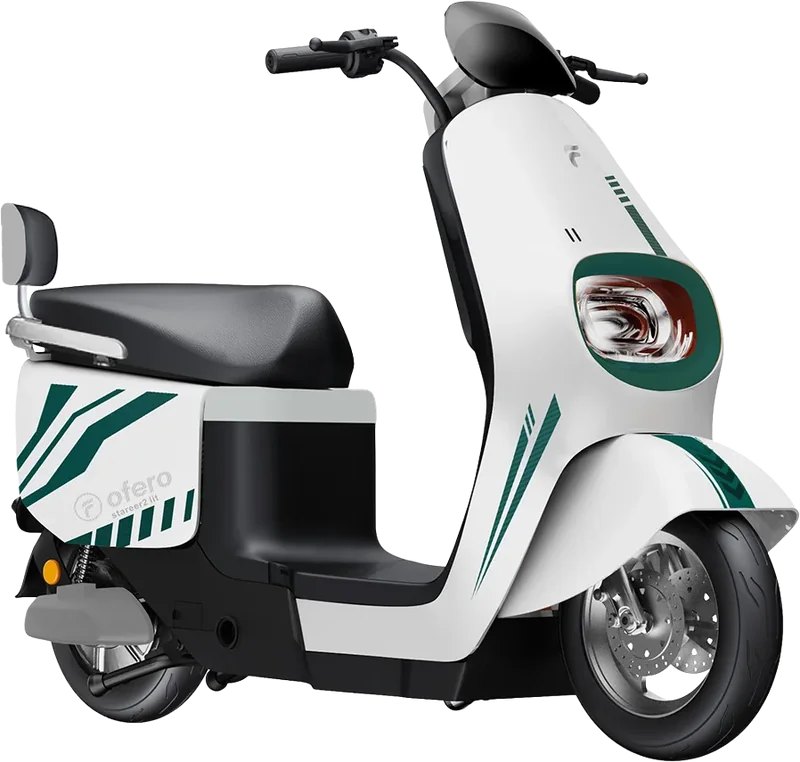
Electric Motorcycles · 60V 1800W · 100 km (Eco)
₱45,800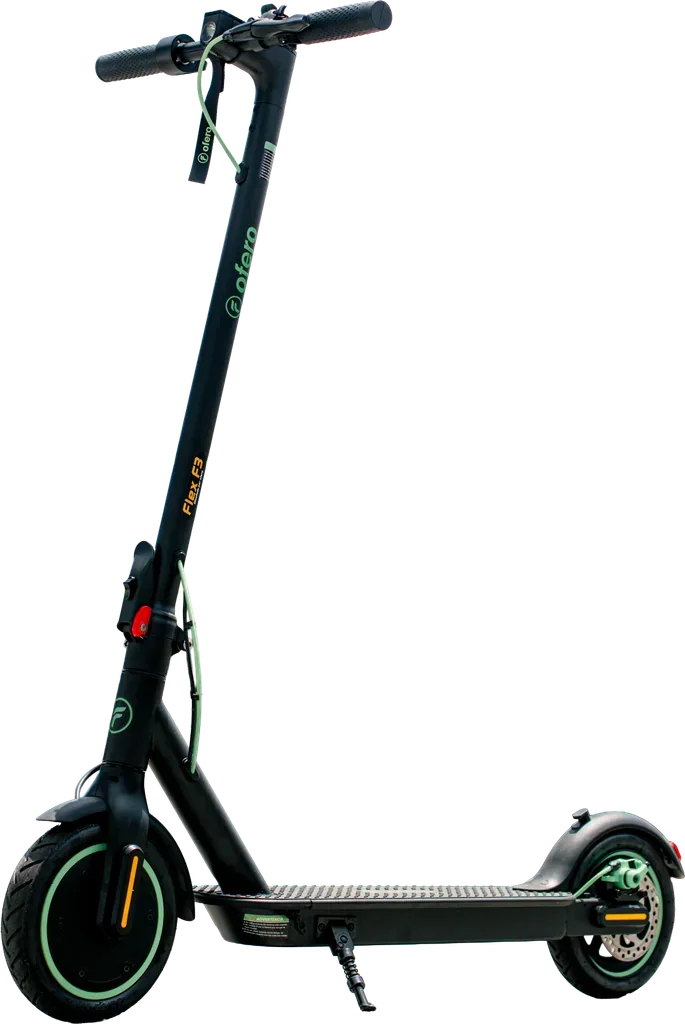
Electric Bikes · 36V 350W · 35 km (Eco)
₱19,800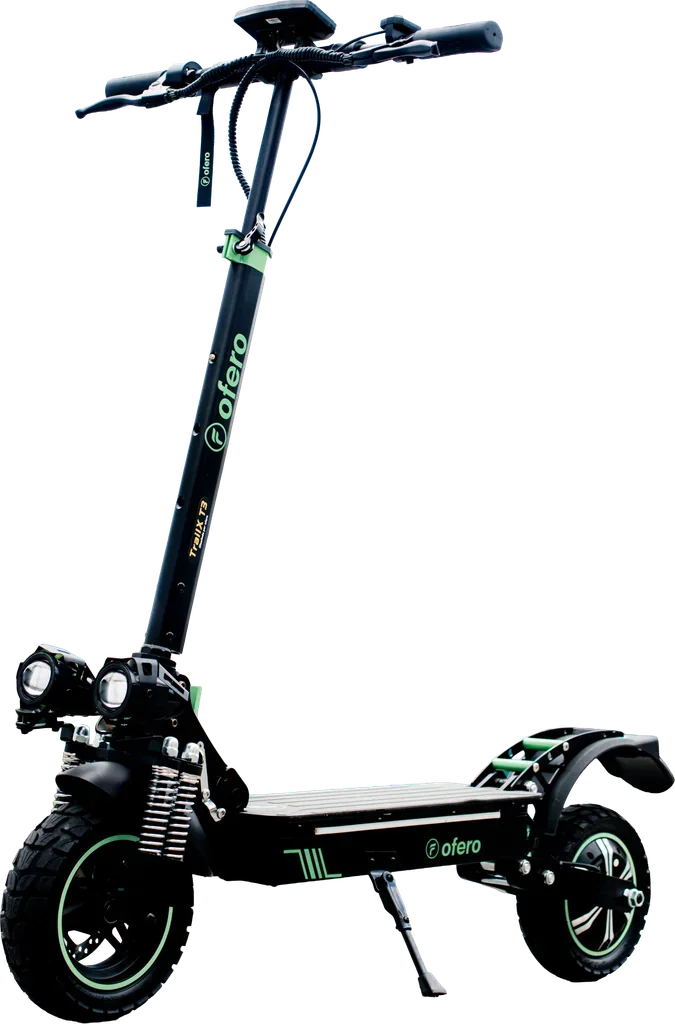
Electric Bikes · 48V 500W · 55 km (Eco)
₱39,800Reference model prices; confirm your configuration and current quotation. Range figures are published Eco references, not a guarantee for your route. See the complete model catalogue.
Check the vehicle class and your intended route with the relevant authorities. Follow the instructions for your exact model, battery and charger; ask OFERO about anything unclear before riding or charging.
OFERO CUSTOMER SERVICE
Share your preferred store, model and question.